
PDF is Not Always a Good Format
PDF preserves layout and works well for sharing fixed documents, signing, and offline forms. But it is hard to edit, often bloated, and poorly suited for reading on mobile or responsive design.

By. Jacob
Edited: 2025-12-27 14:35
Pros:
- Allows sharing of self-contained documents
- Makes it easy to sign documents or fill out forms offline
- Requires no coding expertise
- Preserves layout and text formatting
Cons:
- Preserving layout and formatting can harm usability
- Difficult to open for reading or editing
- File size can be large depending on content
- Table of Contents is often missing
- Acrobat Reader is unsuitable for reading .pdf documents
- Can be copy-protected, which goes against the user's interests
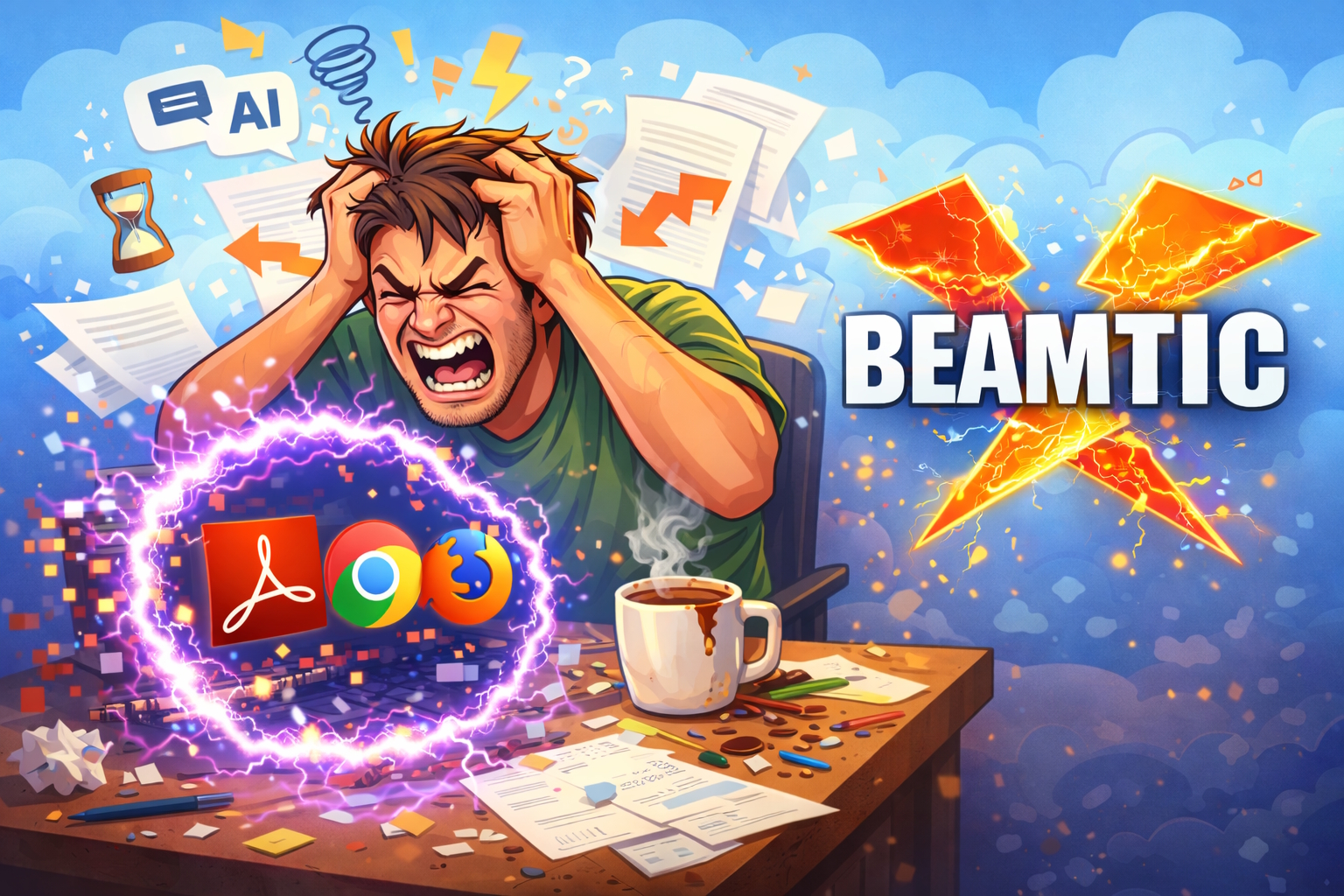
From a user-centric perspective, PDF files are just irritating. They’re often hard to edit or read, and the text doesn’t flow or resize properly, making them incredibly frustrating on mobile devices. The default should be to let text flow and scale freely—like a well-designed web page. There’s no good reason for e-books to use fixed layouts.
There’s likely no technical reason we couldn’t replace PDF with more readable, open, text-based formats. Even .html is surprisingly good for writing documents and has near-universal support.
HTML can also be self-contained if needed, since content can be embedded as base64. In some cases, this might even be more compatible than PDF—for example, with small videos. The fact that HTML might not render exactly the same on all devices doesn’t matter much; if designed properly, it comes close, and the content flows far better by default than in most PDFs.
Acrobat Reader comes with unwanted AI features, and the free version will constantly prompt you just to use them, and does not allow you to do much with the document. An auto-generated Table of Contents is only included if bookmarks are created during the editing process. Even when simply reading a .pdf, the view may “jump” from page to page instead of scrolling smoothly, which can make it tremendously strainful to read a .pdf using Adobe’s official Acrobat Reader. In contrast, web browsers generally provide a much smoother reading experience and do not suffer from this usability issue.
Tell us what you think: